About the project
As PlayerPicked's catalogue grew to eight paid Minecraft plugins, documentation turned into a business problem. Buyers who can't find how to set something up open support tickets, leave poor reviews or ask for refunds — and writing and maintaining docs by hand for every plugin and every update was slowing down development. The client needed one professional home for every setup guide, config reference and command list, and a way to keep it current with minimal effort.
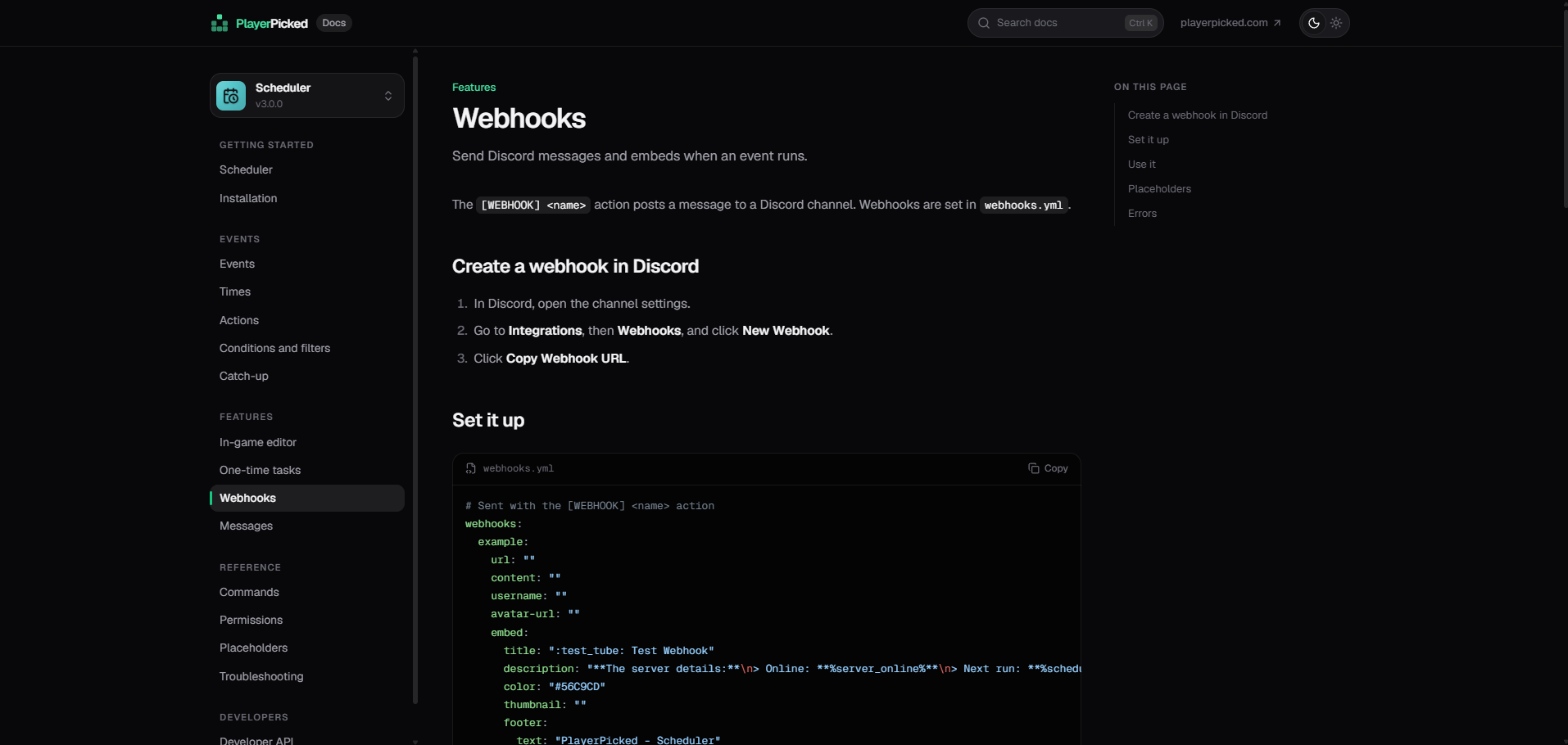
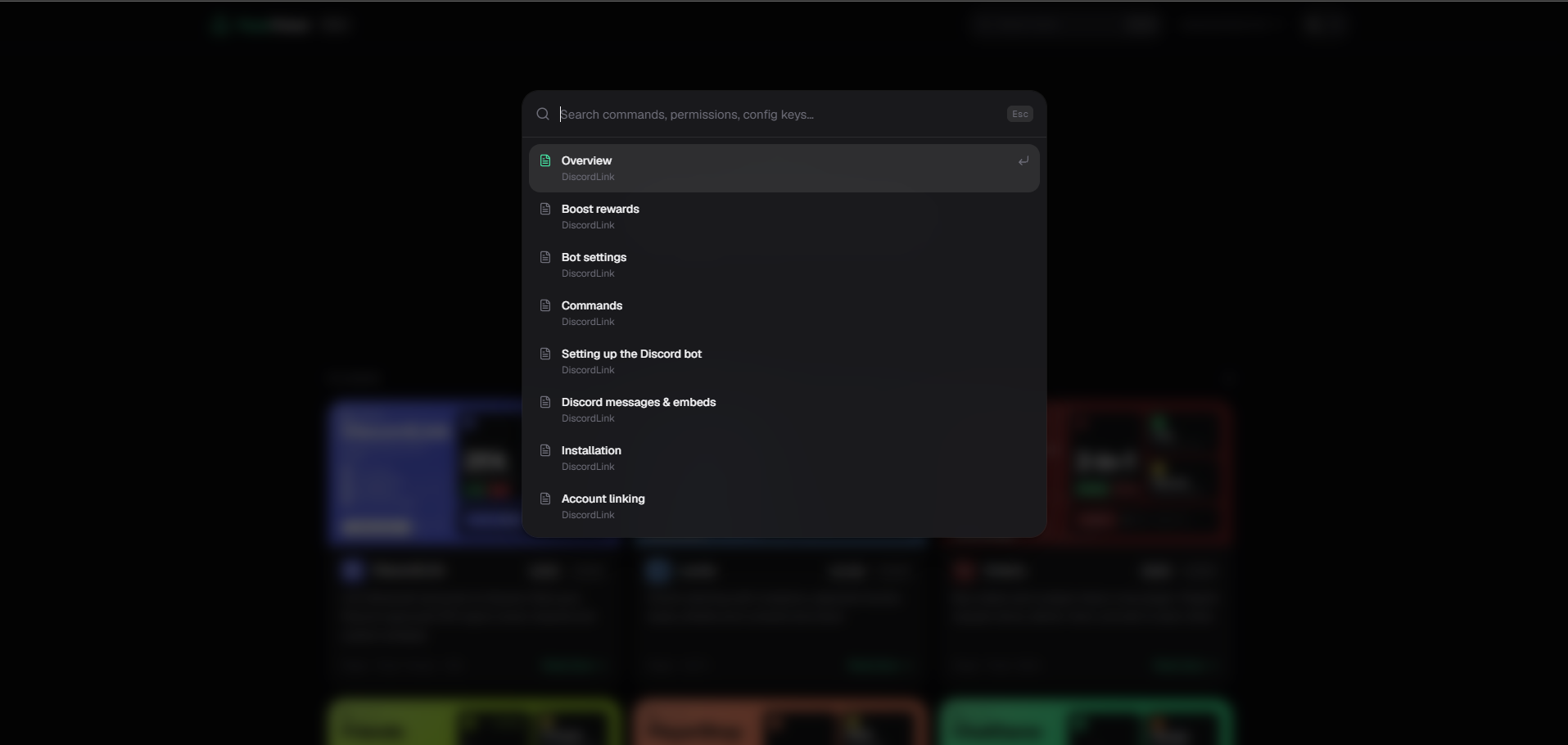
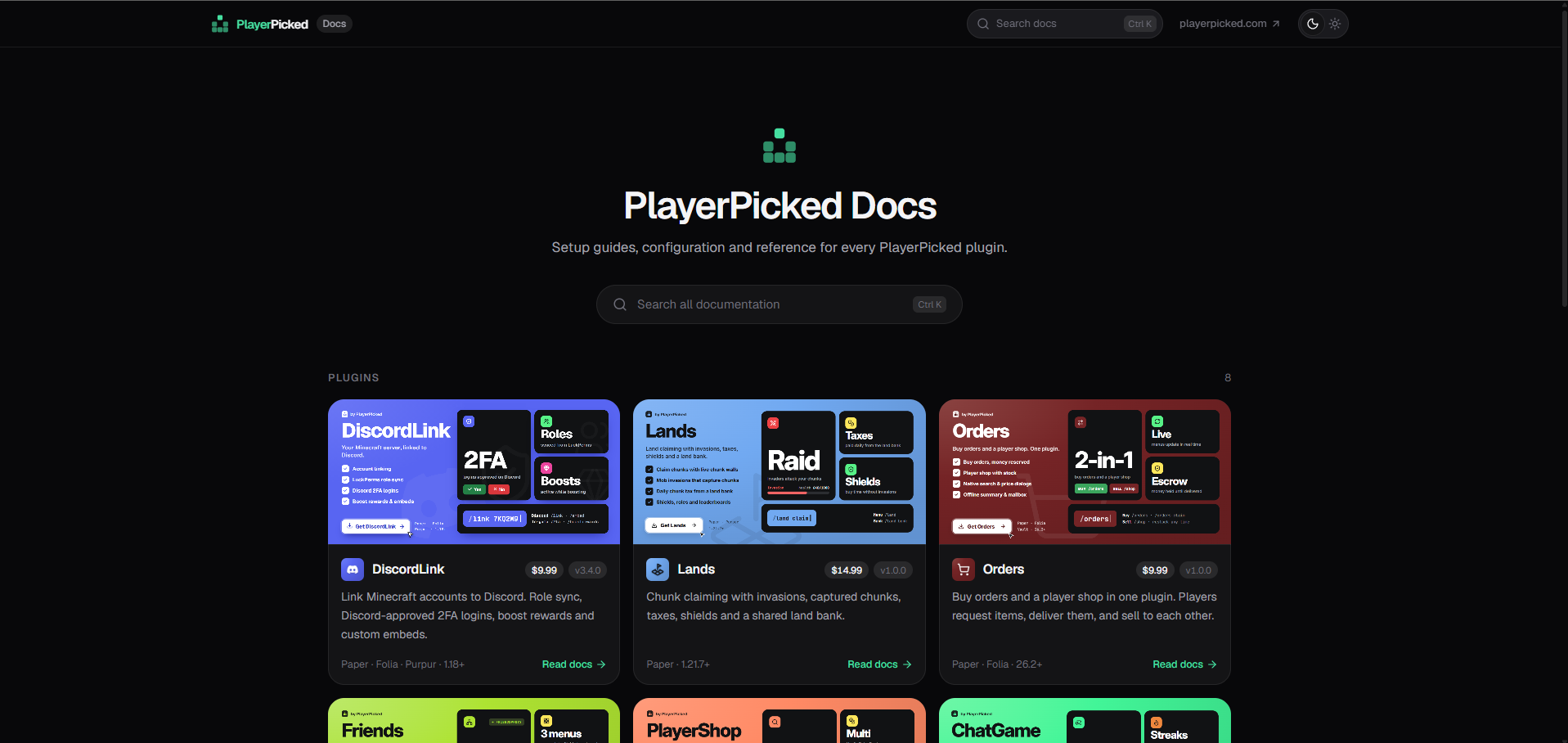
We built docs.playerpicked.com as a dedicated documentation platform. The landing page presents every plugin as a card with its banner, price, version and supported platforms, so the docs double as a storefront. Each plugin gets its own sidebar with getting started, events, features, reference and developer sections, syntax-highlighted config files with one-click copy and an "On this page" outline. A Ctrl+K search finds commands, permissions and config keys across every plugin at once.
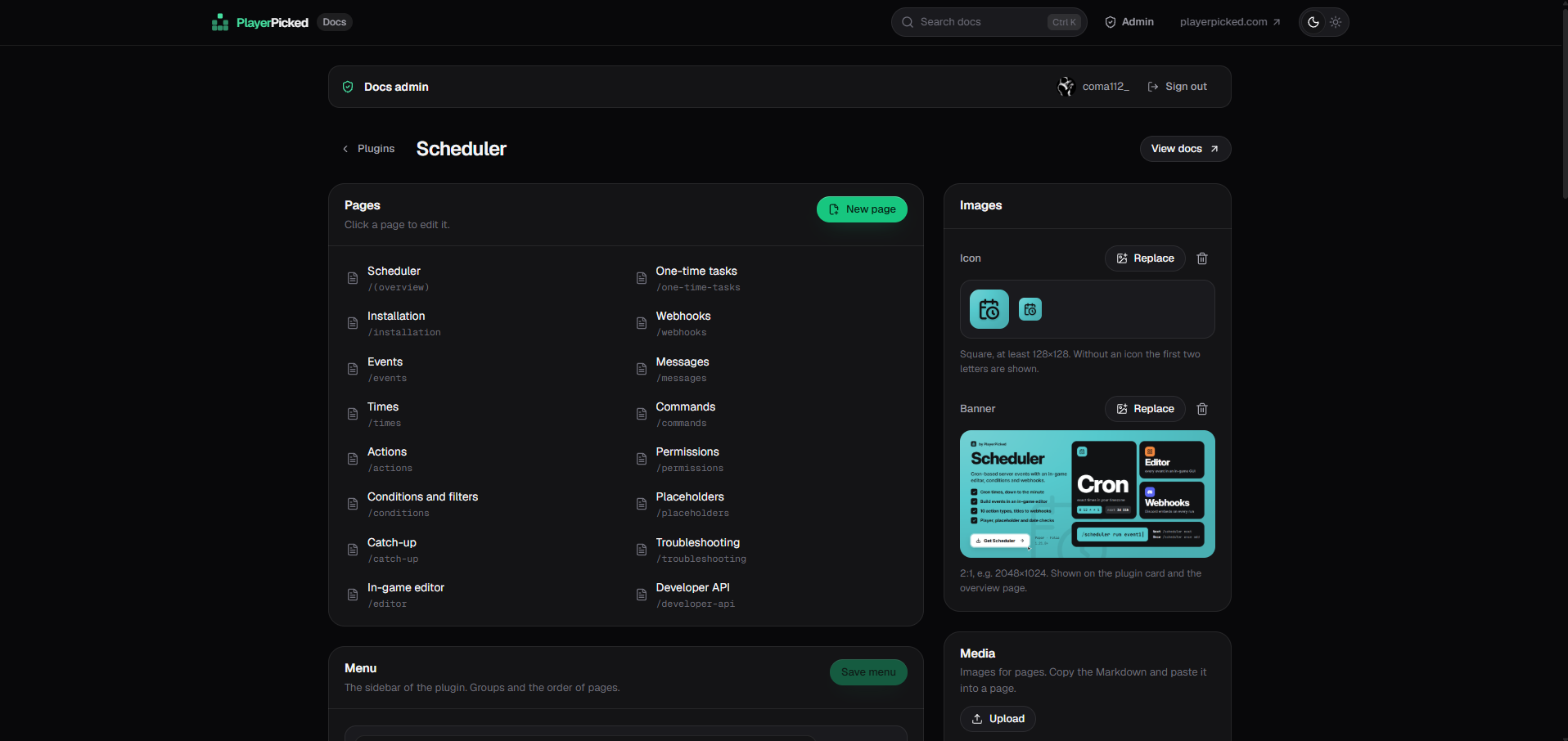
The biggest time-saver is behind the scenes. A single command reads a plugin's source code and drafts its complete documentation with Claude, following a fixed style guide so every plugin reads the same way. Another command publishes it to the live site instantly — no rebuild and no redeploy. For quick fixes, the admin panel lets the team edit pages, reorder the menu and replace icons, banners and images right in the browser, signed in with their existing playerpicked.com account.
The result: a new plugin goes from source code to published, consistent documentation in minutes instead of days of manual writing, and buyers find their answers without having to open a ticket.
What it does
- Documentation for a new plugin drafted from its source code with AI, in one command
- Instant publishing to the live site — no rebuild or redeploy
- Browser-based admin panel for pages, menus, icons, banners and media
- Ctrl+K search across the commands, permissions and config keys of every plugin
- Syntax-highlighted config examples with one-click copy
- Single sign-on with the playerpicked.com account, plus light and dark themes